Split View
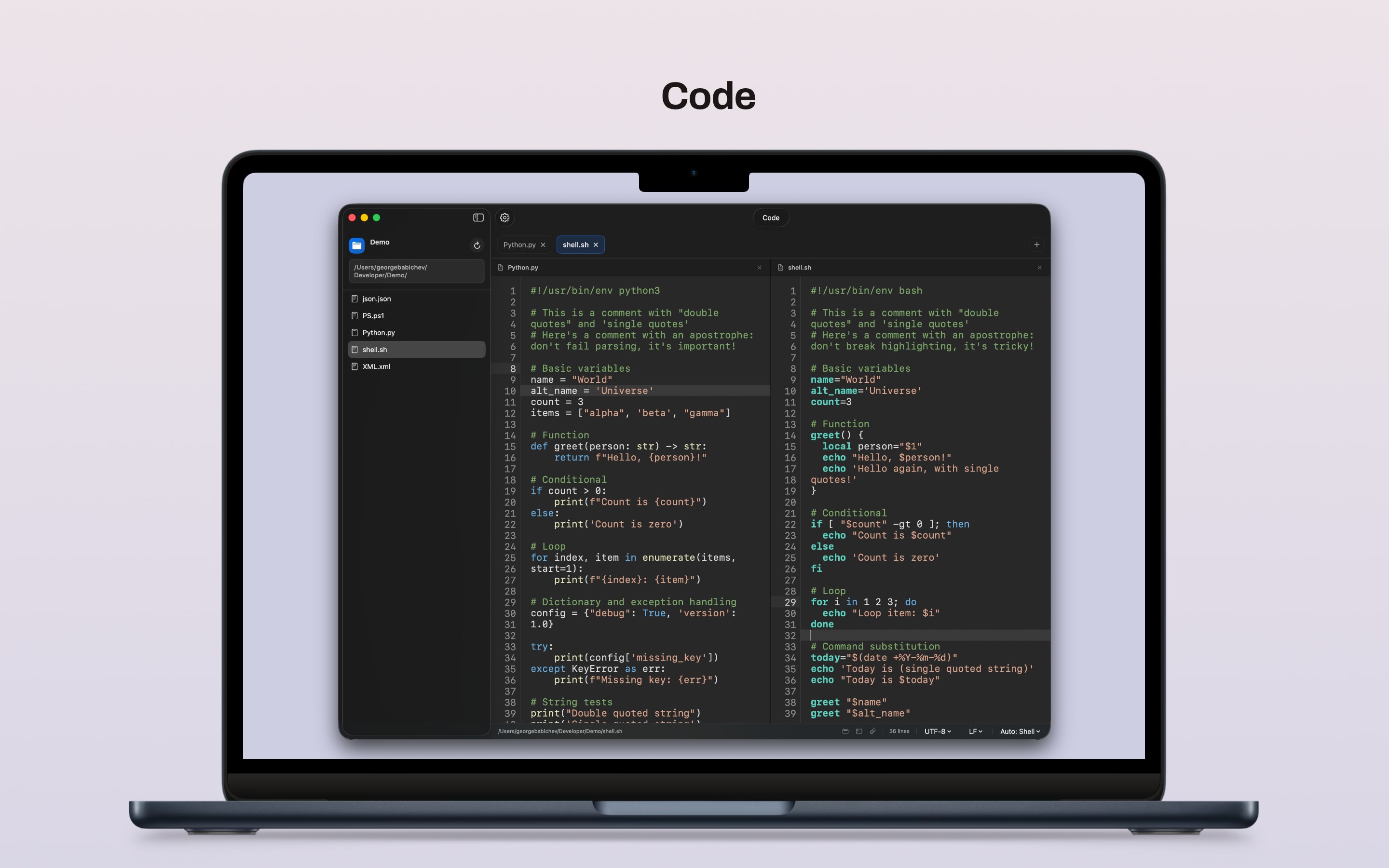
Open two files side by side in the same window so scripts, configs, and related edits stay in view together.
Markdown Preview
Preview Markdown with rendered formatting, basic HTML tags, images, tables, task lists, and nested lists while editing.
Script-Focused Syntax Highlighting
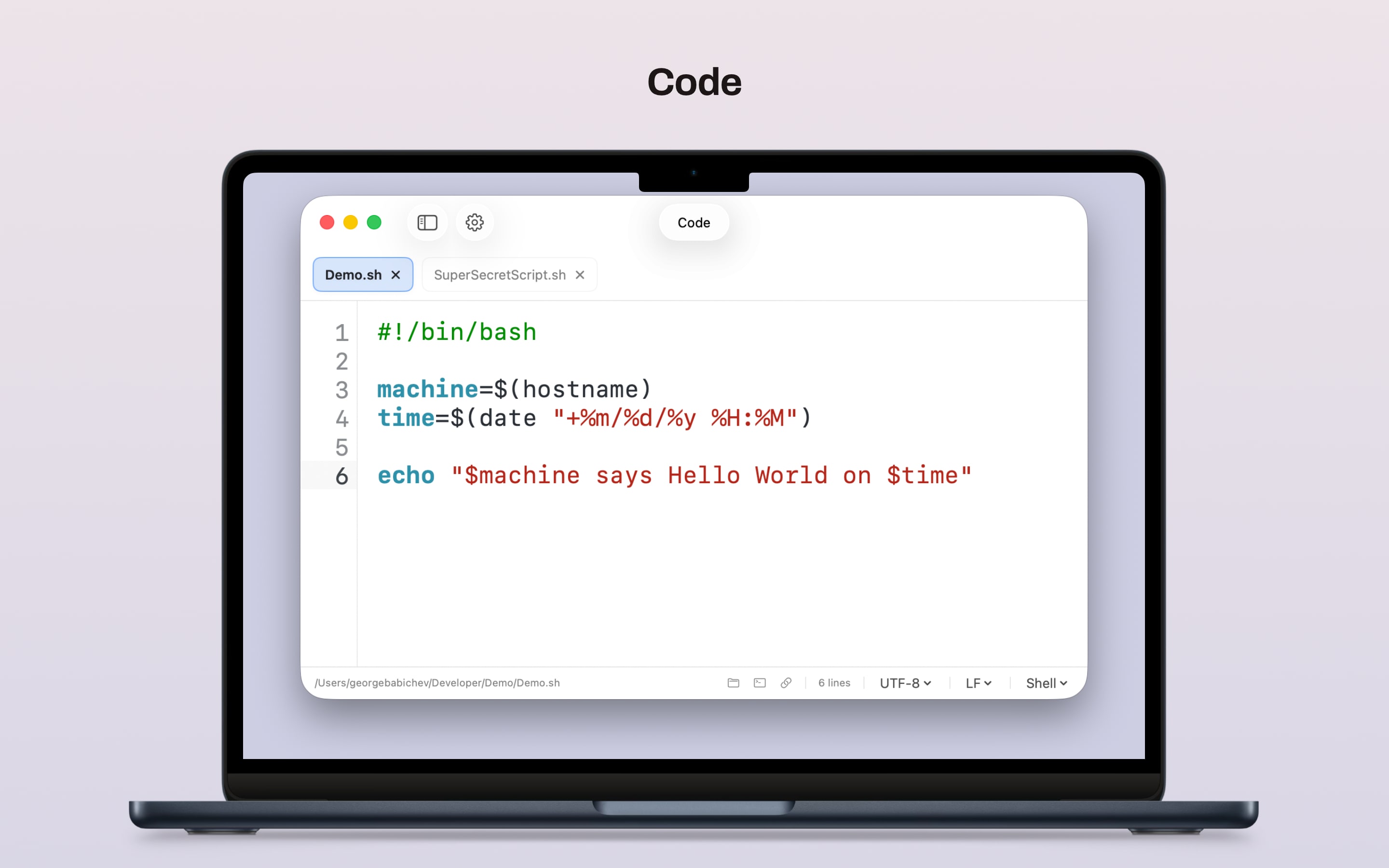
Built-in highlighting for Shell, PowerShell, Python, Markdown, XML, JSON, and property list files keeps common scripts and config files readable without extra setup.
File-Aware Indentation
Detect a file's indentation style, use smarter auto-indent for common languages, backspace through indentation levels, and run Fix Indentation when mixed or uneven indentation appears.
Whitespace Tools
Show invisible characters, trim trailing whitespace on save, ensure a final newline, and convert between tabs and spaces when a file needs cleanup.
Lightweight Autocomplete
Autocomplete helps with functions, variables, and symbols already in your file so small edits move faster.
Bracket Matching
Highlight matching parentheses, brackets, and braces locally without adding automatic pair insertion.
Find and Replace
Search within the current file, jump between matches, and make quick replacements without leaving the editor.
Session Recovery
Quit the app and come back later without losing your open files or unsaved work in progress.
Multiple Tabs and Windows
Work with several files at once, open related files in split view, or keep separate folders open in different windows without shared state.
Editor Controls That Matter
Adjust font, theme, skin, indent width, word wrap, syntax highlighting, and other practical defaults without digging through a complex preferences window.
Status Bar File Tools
See file state, indentation warnings, line count, line endings, and encoding, then open the parent folder in Finder, launch Terminal, or copy the file path.
Quick File Handling
Open one or many files from the file dialog, open full folders, drag files straight into the app, start a new file or window from the Dock menu, close a folder without quitting, and make one-off changes without IDE overhead.
Sidebar Folder Browser
Browse project folders from the sidebar, move through files quickly, and keep navigation close to the editor.
Finder Open With Support
Open supported files directly in Code from Finder so quick edits start from the file itself, not from inside the app.
Terminal Command
Install the optional code command from the app menu and open files or folders from Terminal.
Administrator Saves
When a protected folder needs approval, Code explains what is happening and asks macOS for permission to finish that save.
Built for Everyday Edits
Ideal for config files, shell scripts, quick patches, and the kind of work where a full development environment is overkill, with large-file safeguards to keep quick edits responsive.